Questions & assistance about the myReha therapy app


Frequently asked questions
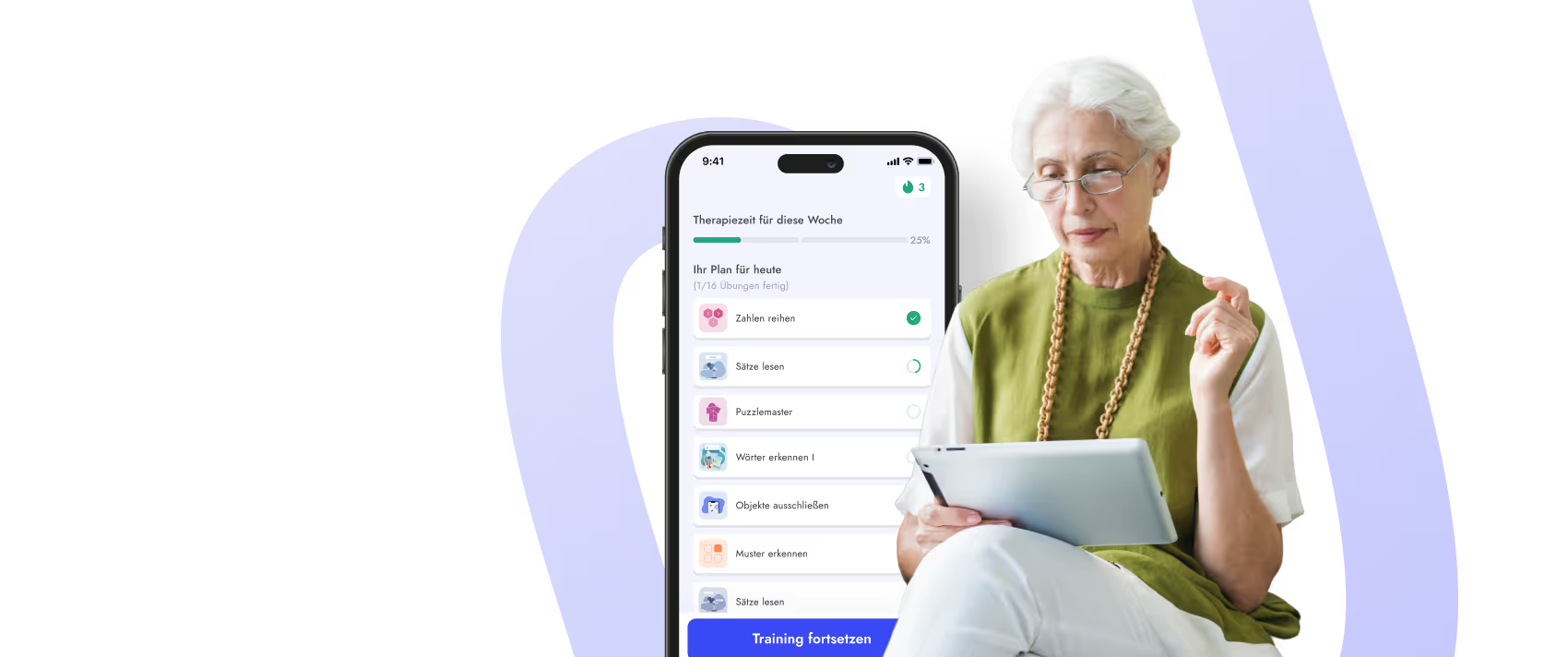
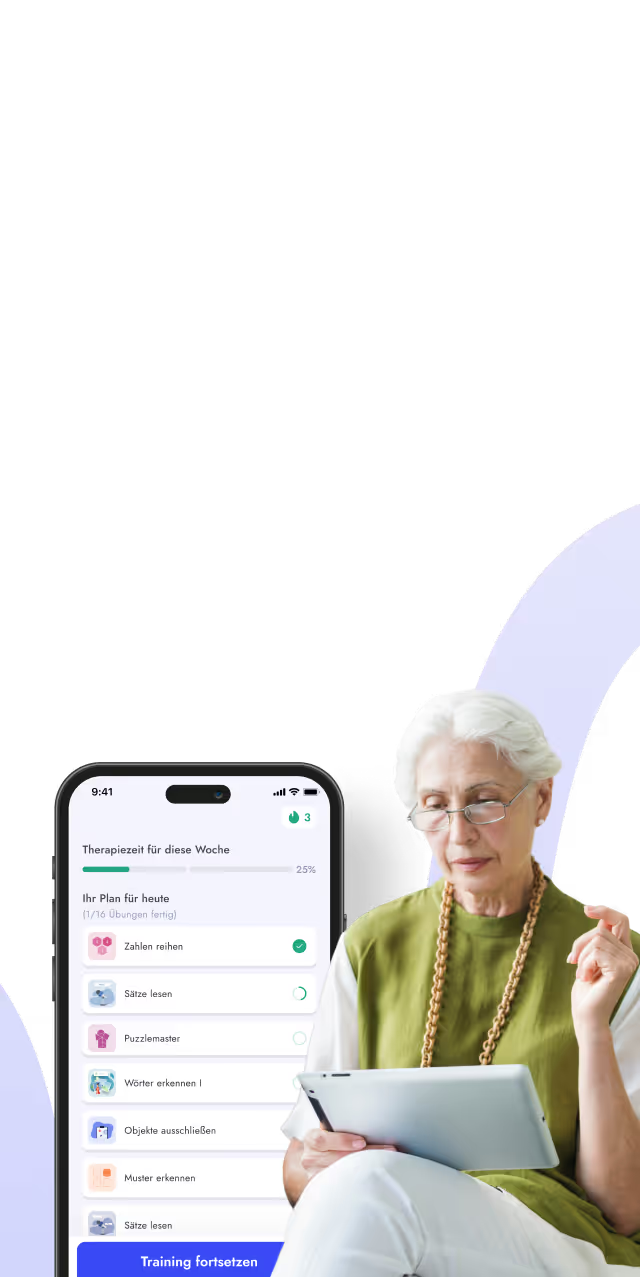
Whether it's for memory, language, or attention: In neurological rehabilitation, therapy should begin with an approach tailored specifically to you and your current abilities. That's exactly what myReha does: With this certified medical app, you can practice exactly what's most important for you right now on your smartphone or tablet. The smart app creates a personalized training plan for you and automatically adapts the exercises to your specific needs.
The exercises are divided into different categories, enabling scientifically sound training. This allows you to effectively and easily carry out your rehabilitation for aphasia or other cognitive impairment (e.g., related to memory or attention) on a smartphone or tablet—at the clinic, with your therapist, at home, or wherever you choose.
The myReha app canbe found in the Apple App Store or Google Play Store, and runs on your tablet or smartphone.
With the myReha app, you now have the opportunity to receive high-quality, scientifically based neuro-rehabilitation—anywhere and anytime you want. All you need is a smartphone or tablet. The app is so easy to use that no prior experience with digital devices is necessary.
This intelligent app creates a personalized training plan for you based on therapeutic exercises. These exercises automatically adapt to you and your progress. They were developed by clinically experienced experts to make ideal neurological rehabilitation accessible to everyone. The myReha app is used by patients at home as well as in hospitals, outpatient rehabilitation centers, and therapeutic practices. This ensures successful long-term follow-up care for neurological conditions.
The app covers all areas of speech and cognitive therapy, enabling patients to receive the gold standard of neurorehabilitation not only in the clinic but also at home.
Through the app, you practice pronunciation, reading, writing, language comprehension, memory, logical thinking, execution and planning, math, attention, and perception, among other skills.
The myReha app is suitable for the rehabilitation of speech disorders (aphasia) and cognitive deficits that occur after strokes, cerebral hemorrhages, multiple sclerosis, Parkinson's disease, traumatic brain injury or other neurological diseases (dementia, long COVID,...).
The myReha app is aimed at people who work on a speech disorder (= aphasia) or at problems with memory, concentration, or attention (= cognitive deficits) suffer as they are after Strokes, cerebral hemorrhages, or similar neurological disorders may occur.
Thanks to the wide range of language and cognition exercises, it is just as suitable for severely affected patients as for people with only mild disabilities, as the weekly schedule is tailored to personal needs.
In addition, the app is designed in such a way that it is quick and easy to use even for people without previous knowledge of digital devices. Holding such a device in your hand and being able to perform the necessary click movements are the only physical requirements necessary to use the app.
Certified medical devices must go through a strict review of medical content and data protection requirements. To this end, we also carried out a comprehensive evaluation of the functions of myReha and had a medical report drawn up.
With the CE mark as a medical device, we therefore prove that the MyReha app complies with all safety and health requirements of the relevant EC directives.
Only with a certified medical device can your doctor or therapist rely on the analysis of your rehabilitation progress and the quality of the exercise content.
The myReha app offers as only solution one comprehensive multimodal exercise catalog, consisting of over 65,000 tasks, covering all areas of speech and cognition disorders.
By using modern, artificially intelligent systems, MyReha is the only app that can create a personal exercise plan for each patient, which is constantly and automatically adapted to progress. Certification as a medical device also ensures that the app meets the highest standards for medical content, security and data protection.
Since the app was developed by neurologists, speech therapists, occupational therapists and neuropsychologists, all the latest scientific findings from neurological research are always included.
All exercises and content of the app comply with Gold standard of neurological rehabilitation and are methods that are used in specialized neurological rehabilitation clinics.
They were developed and digitally processed by an interdisciplinary team of experts from medicine, speech therapy, occupational therapy and neuropsychology to provide all people with access to high-quality rehab.
The idea of myReha came from Dr. Philipp Schöllauf, who worked very intensively as a doctor on rehab for stroke patients. He has seen the good progress patients are making within the clinic and how difficult it is for them to continue this good development outside the hospital.
For this reason, Dr. Schöllauf, together with a team of speech therapists, occupational therapists, neuropsychologists and doctors, in collaboration with the neurological department of a clinic in Vienna and experts in software development and artificial intelligence from the Medical University of Vienna, has begun to develop the MyReha app.
This development was supported by the Austrian Research Promotion Agency and WAW through innovative research funding.
You can use the myReha app for iPhones and iPads in Apple App Store or for Android smartphones and tablets in Google Play Store download.
To install the myReha app, you need a smartphone or tablet (Apple or Android). On this, you can find in Apple App Store or Google Play Store the MyReha app and you can install it on the device with one click. A step-by-step video guide for the tablet can be found here.
When you open the app for the first time, click on “Create a new account” and you will then be guided step by step through the registration process. Through this process, the app gets to know you and can provide you with your first personal exercise plan.
You can use the myReha app on Smartphones and tablets from Apple or on Smartphones and tablets from Android use providers (Samsung, Lenovo, etc.).
Apple iPhones and iPads:
For Apple smartphones (iPhones) or tablets (iPads), you need at least iOS version 16.0 to successfully install the app.
The following iPhones support iOS version 16.0 or higher:
- iPhone SE (2nd generation)
- iPhone 8 or iPhone 8 Plus (and above)
The following iPads support iOS version 16.0 or higher:
- iPad Air: from the 3rd generation
- iPad Mini: from the 4th generation
- iPad Pro: all generations
- iPad: from the 5th generation
Android smartphones and tablets:
For Android smartphones or tablets, you need at least Android version 6.0 to use the myREHA app.
The best-selling Android smartphones and tablets from the brands Samsung, Lenovo, Huawei, Motorola, Xiaomi or Google support the use of the MyReha app.
Please check in Google Play Storewhether you can use a compatible device and install the MyReha app on your device.
The myReha app is powered by smartphone or tablet (Apple or Android) is used. It can therefore be used anytime and anywhere - every day and anywhere, as much as you want.
Since every neurological disorder occurs individually, the required duration of use also varies from patient to patient.
At least one A three-month rehab period is recommended for all patientsto be able to make progress. This includes a use of at least 4 hours a week recommended.
However, since rehabilitation in neurology is often months to years If effective, long-term use is useful for all patients who have deficiencies in language or cognition.
At the first login Can you a Self-assessment Discuss your strengths and weaknesses in various areas (reading, speaking, concentration, etc.) Alternatively Is it also possible to Registration together with a doctor or therapist who can enter further details about your condition.
Based on this information (through your self-assessment or information from your doctor/therapist), you will receive a individual therapy plan created. To do this, the app evaluates your answers and includes the latest research results. Based on all this information, your personal exercise plan will be created, which is tailored exactly to you.
This therapy plan Adjusts automatically and continuously about you and your progress. This is how you always practice Exactly the exercises you need right now.
The myReha app learns with you and gets to know you better and better along the way. While you use the myReha app, the app measures your performance in every exercise and thus learns more about your strengths and weaknesses. As a result, as the therapy continues, we can offer you more and more accurate and appropriate exercises so that you can always practice exactly the content that is most important to you at any time.
As you practice, the exercise catalog automatically and automatically adapts to your abilities and needs. It is therefore generally not necessary to manually adjust the exercise catalog.
If you or your therapist still want to change the exercise plan, this is possible in the app settings.
No The myReha app can be used by those affected independently and without help. It is also designed so comprehensibly that no previous knowledge of digital devices is required.
However, if you have more severe restrictions or would simply like to practice together with a relative, practicing with the support of a relative is also very possible.
Yes The app was developed in intensive collaboration with stroke patients in order to adapt usability to the specific needs of those affected.
Yes The myReha app was developed so that those affected can do high-quality rehab on their own - from home or even on vacation.
You can download the myReha app yourself to complete the registration process yourself and perform the rehab exercises without the presence of a therapist. Since the myReha app gets to know you better and better as the therapy lasts and automatically creates an exercise plan for you that is perfectly tailored to your needs, you can also use the myReha app independently over the long term.
Yes We also provide freelance individual therapists and group practices in speech therapy, occupational therapy and neuropsychology with a therapy version of the myReha app. With this practical version, you can create patients and practice with them during therapy. In addition, your patients can also use the myReha app individually from home as an innovative tool for home exercises and continue to practice between practice therapy sessions (free of charge through selected health insurance companies in Germany). In addition to an individual and automatically adaptable therapy plan, an exercise catalog of over 65,000 tasks for speech and cognitive therapy is also available.
Through your therapy dashboard, you can closely monitor the progress of your exercise and thus provide your patients with even more comprehensive support.
Sign up hereto apply for the practice version of the myReha app.
Yes A personal profile was created for you at the clinic, with an e-mail address and a personal password.
At home, you can now download the myReha app to your private smartphone or tablet (Apple or Android) and log in from the clinic using the email address and your personal password. This allows you to continue training directly on your existing exercise plan from the clinic.
Here's how it works:
- Download the myReha app from Apple App Store or Google Play Store to your private smartphone or tablet.
- Open the myReha app and tap on “I have access.”
- Log in with the login details from the clinic.
Alternatively, you can register again. To do this, tap on “Create a new account” and create a new MyReha profile.
Yes The myReha app is a great addition to an important therapy session with your therapist or doctor.
You can use the app for more practice time at home or together with the therapist during therapy sessions.
Thanks to the included progress analysis in the app, your therapy team can see important information about your long-term treatment progress and thus work with you even more specifically. With the myReha app, you can use the time between therapy sessions with your therapist to practice on your own, while your therapy team stays up to date on your progress.
Yes A premium subscription can be taken out to use the app. It is possible to take out a 1-month subscription, a 3-month subscription or a 6-month subscription. The monthly costs amount to 69.99 euros (1-month subscription), 63.33 euros (3-month subscription) or 58.33 euros (6-month subscription).
The costs for the myReha app are also already covered by numerous partner health insurance companies. Install the myReha app and during the registration process, you will be asked about your country and health insurance. We will check your information and inform you immediately whether the costs of therapy with the myReha app are covered by your insurance company.
On request, more and more insurance companies are also covering the costs of the myReha app. If you use myReha due to an accident at work or an occupational illness, the costs can also be covered by your professional association (BG). For your application to insurance and professional association, you can use our Refund information download. Include this document when you submit a claim for a refund.
Yes The costs for the myReha app are already covered by numerous health insurance companies. Install the myReha app and you will be asked for your country and health insurance during the registration process. We will check your information and inform you immediately whether the costs of therapy with the myReha app are covered by your health insurance company.
Yes After downloading, you can register in the myReha app and use myReha in a limited basic version. You do not need any payment details for this and there are no costs for you.
With the myReha Premium subscription, you can use all functions of the myReha app without restrictions - for continuous and individual training that optimally supports your neurological therapy.
Your benefits with myReha Premium:
- Individual therapy plan: Automatically and continuously adapted to your needs and progress.
- 65,000 interactive tasks: For speech therapy, occupational therapy and neuropsychology — adapted to your needs every day.
- Real-time success monitoring: With myReha, you can always keep an eye on your development.
- Practice when & where you want: Use myReha as often and whenever you want — directly on your smartphone or tablet.
This is how it works:
- Open the MyReha app and go to the takes.
- Tap “Switch to myReha Premium now”.
- Select your preferred MyReha subscription.
- Complete the process via the App Store or Google Play Store.
You can cancel your subscription at any time via your smartphone or tablet settings.
The costs for the myReha premium app are also already covered by selected partner health insurance companies. Install the myReha app and during the registration process, you will be asked about your country and health insurance. We will check your information and inform you immediately whether the costs of therapy with the myReha app are covered by your insurance company.
Since every neurological disease is different and therefore each patient is affected to different degrees, we also offer different subscription periods.
The 1-month subscription is ideal for trying out, while the subscription for three and six months is intended for targeted, medium-term rehab. The multi-month subscriptions are aimed at patients for whom medium to long-term rehab is useful. These subscriptions are also available for a lower price.
Yes The premium subscription to myReha is easy and quick to cancel at any time if you are not satisfied. This is possible via the settings directly on your iPad or Android tablet.
Cancel an app subscription on an iPad or iPhone (Apple device):
- Open Settings on your device.
- At the top, tap your name (Apple ID).
- Select Subscriptions.
- Find the subscription you want to cancel in the list.
- Tap on the subscription you want, and then tap “Cancel subscription.”
- Follow the remaining instructions to confirm the cancellation.
Your subscription will remain active until the end of the current billing period.
Cancel an app subscription on an Android smartphone or tablet:
- Open the Google Play Store on your Android tablet.
- Tap on the profile icon in the top right corner.
- Select Payments & subscriptions > Subscriptions.
- Find the subscription you want to cancel in the list.
- Tap “Cancel subscription” and follow the further instructions to confirm.
Here, too, the subscription remains active until the end of the billing period.
Yes, if you're having trouble completing the subscription in the app, write to us at support@nyra.health
If you have taken out a myReha Premium subscription via the App Store (Apple) or Google Play Store (Android), you will receive your bill directly from the respective App Store provider (not myReha). Here's how to find them:
Get an invoice on an iPad or iPhone (Apple device):
- Open the takes on your device.
- At the top, tap on your name (Apple ID).
- Click the dot”Media and purchases”.
- click on “Purchasing statistics”
- Tap on the desired MyRehab subscription to view or download the associated invoice.
Get an invoice on an Android smartphone or tablet (Google Play Store):
- On your mobile device, open the Google Play Store.
- In the top right corner, tap the profile icon.
- Tap”Payments & subscriptions” >”Budget & history”.
- In Order history Your Google Play digital content is displayed.
- Tap on the appropriate entry.
Your data is safe! Data protection is a primary concern for us and your data is safe, anonymous and used exclusively for your personal exercise plan.
We lay greatest value on data security and only use European servers that meet the highest data protection and security standards (all are ISO 27001, ISO 27017, ISO 27018, and SOC 1 to 3 certified).
The myREHA app is certified as a medical device and also has ISO 27001 and ISO 13485 certifications and thus meets the highest standards so that your data is securely protected at all times.
No problem — you can reset your password yourself at any time. Here's how to proceed:
- Open the MyRehab app.
- Tap “I have access.”
- Enter your email address and tap “Forgot your password?”
- Follow the prompts to set a new password.
Write to us at support@nyra.health